
<img src="https://secure.leadforensics.com/4108.png" alt="" style="display:none;">
Decoration Decoration
See how the Crown system works Request a demo
Enterprise time and attendance software

Time and attendance software for complex shift patterns

Track hours accurately, cut admin and stay compliant. Built for large, complex workforces.

  • Cut payroll errors with real-time, automated time capture.
  • Stay compliant with built-in logging and alerts.
  • Sync time, shifts and pay in one connected system.
Group 443 shape-top-1 shape-midd
hero-bottom-right-shape

Improving time and attendance for these businesses

imageye___-_imgi_8_aston martin
imageye___-_imgi_7_dhl-logo-1
imageye___-_imgi_5_princess-yachts-logo
imageye___-_imgi_6_5856a7bb4f6ae202fedf276b

What is time and attendance software?

Time and attendance software records when employees start and finish work, the breaks they take and the time they spend away. It replaces paper timesheets and spreadsheets with clockings captured at source, on a terminal, a phone or a desktop, and turns them into accurate hours ready for payroll.

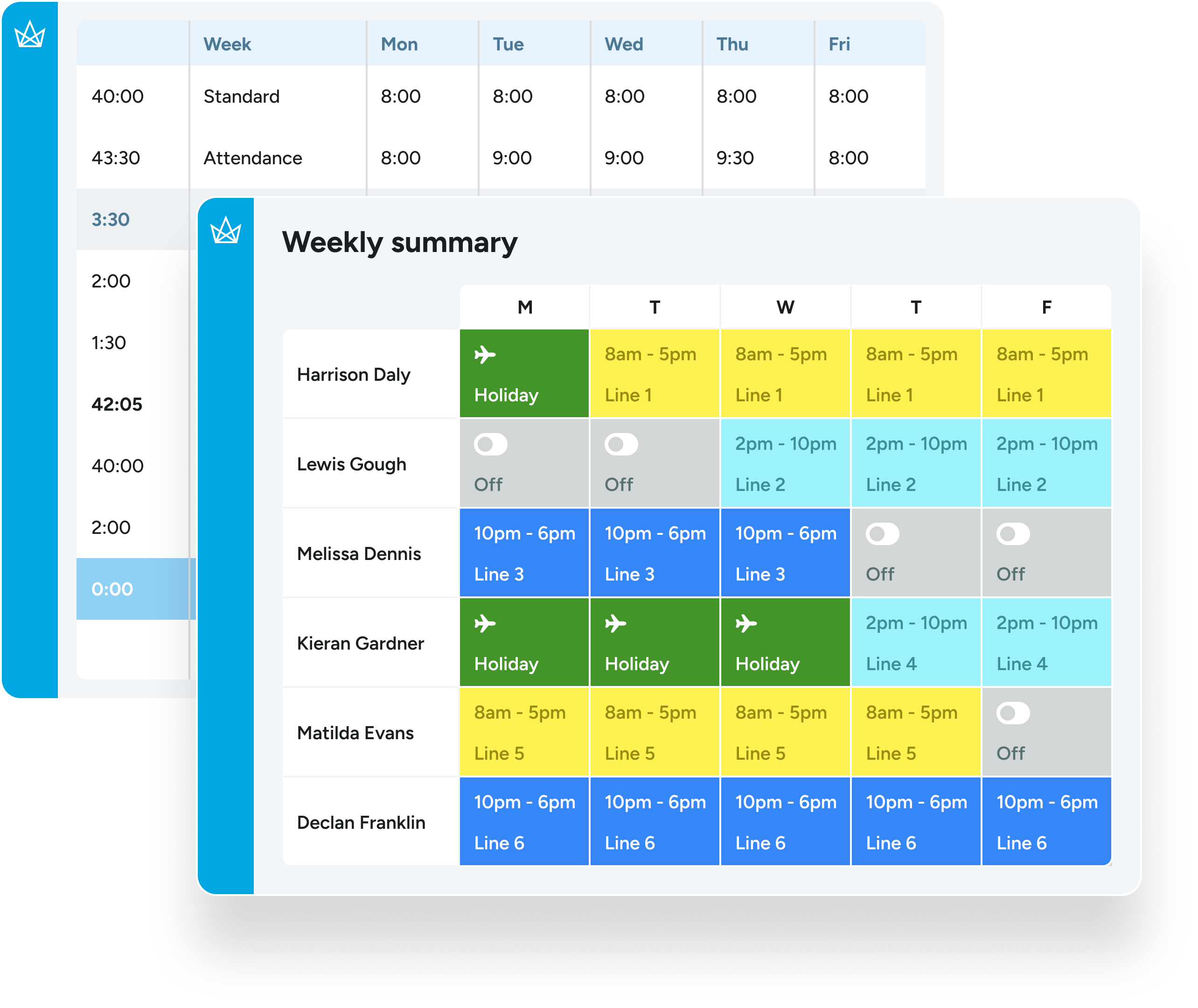
For employers running shifts, the software also checks those hours against the rules that apply to them: working time limits, rest breaks, overtime and pay rates. Managers see who is in, who is missing and where cover is short, while payroll receives hours that have already been checked and approved.

Crown time and attendance software is built for UK organisations with large, multi-site workforces and complex shift patterns, where rotating shifts, annualised hours and several pay rules make manual tracking slow and easy to get wrong.

Time and attendance tracking should not create more work

pen_1916182

Manual input drains time
Paper-based or spreadsheet tracking slows down payroll and admin teams.

speech-bubble_14247271

No single source of truth
Disconnected systems cause data mismatches and compliance risk.

Group (12)

Shift chaos frustrates staff
Late changes and errors damage trust and satisfaction.

Old way

Manually exporting timesheets to calculate hours.
Chasing emails to confirm shift swaps.
Struggling to track breaks and rest periods.
Re-entering time data into payroll systems.
Losing time fixing preventable timesheet errors.

With crown

Automated time capture and calculation across all sites.
Real-time shift changes with full visibility.
Automatic compliance monitoring and alerts.
Seamless data flow into HR and payroll platforms.
Accurate data captured at source, ready for payroll.

Drive efficiency, ensure compliance, empower your teams

Capture time accurately, every time

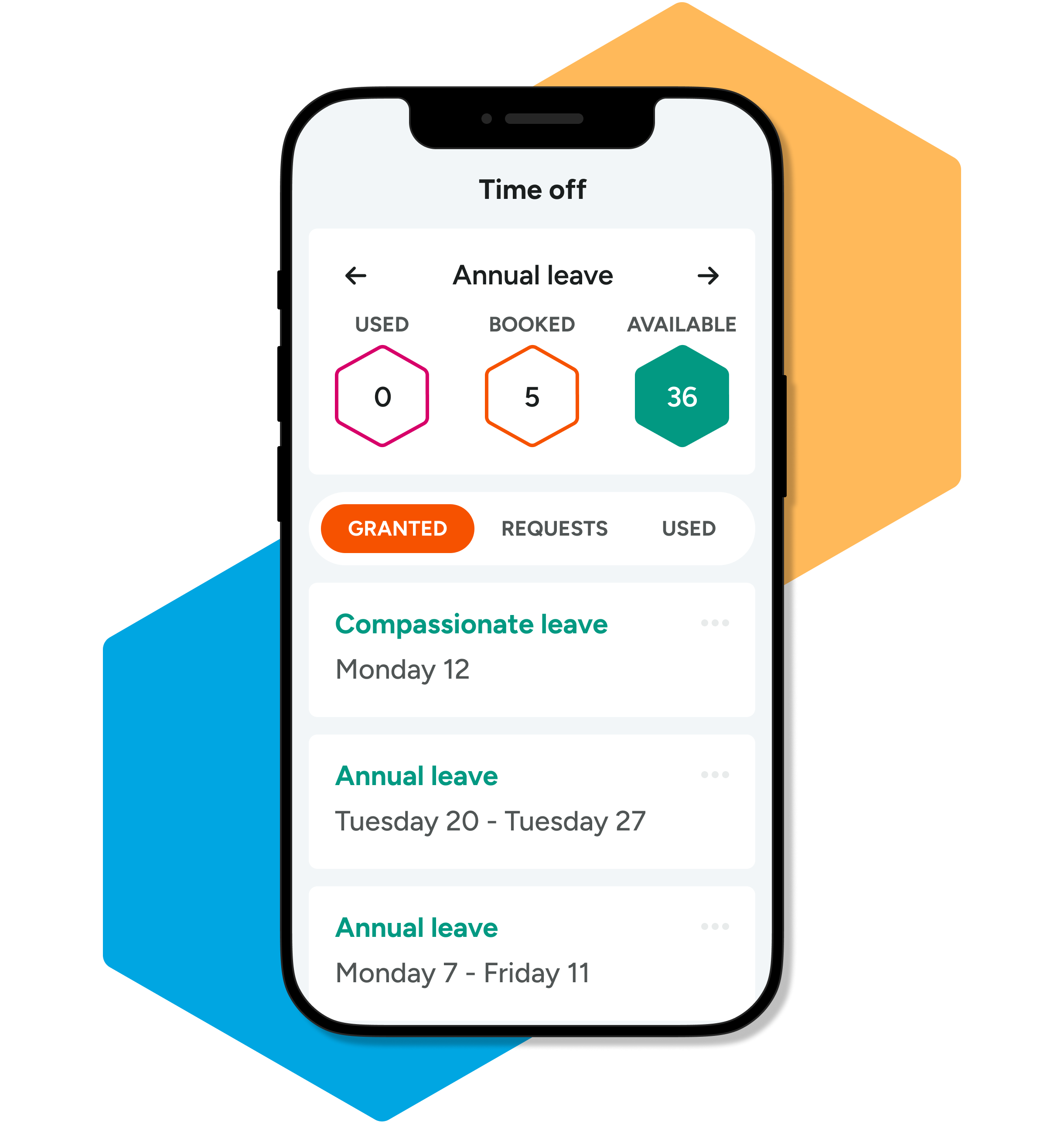
Clock-ins, hours worked and exceptions are recorded in real-time across all locations and roles, reducing errors and eliminating the need for manual timesheet entry. With geolocation, you can see exactly where clockings occur, and geofencing ensures employees can only record time within defined work areas, giving you complete visibility.
Group 480

Stay in control with live visibility

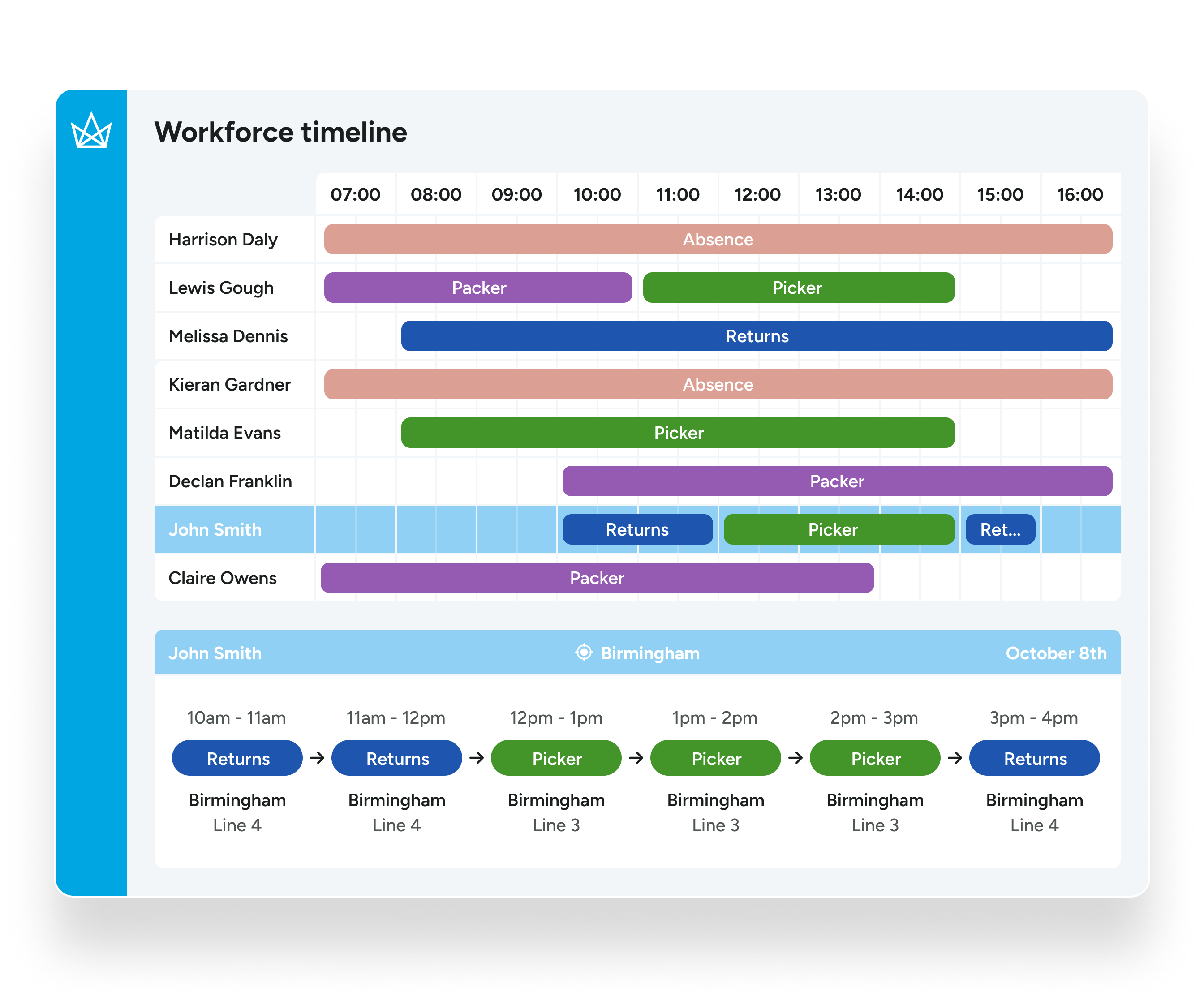
Managers get a clear, real-time view of attendance, shift gaps and unexpected changes, so they can act fast and keep operations running smoothly.
Group 448

Protect compliance without the admin load

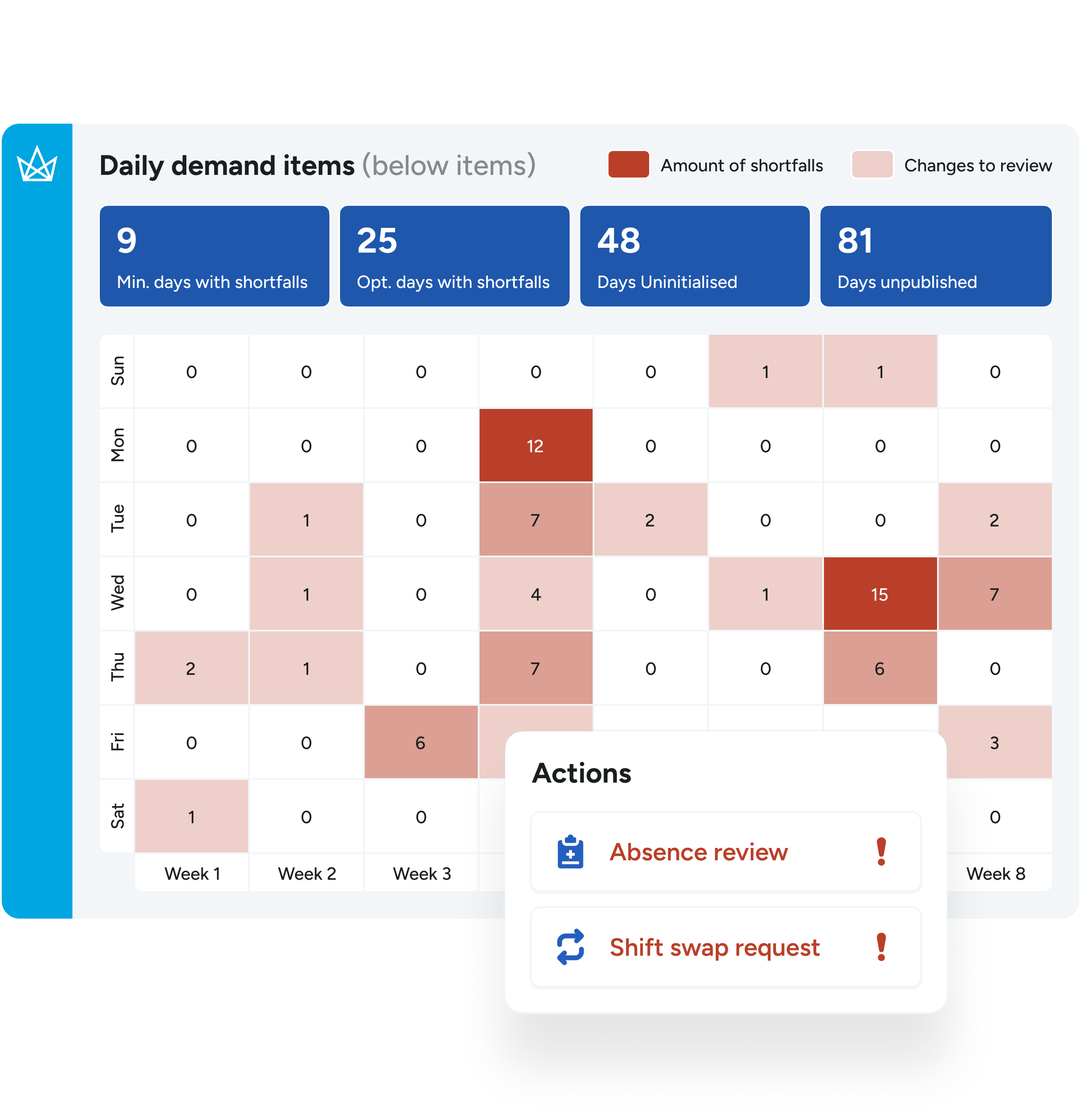
Working time rules, rest breaks and exceptions are tracked automatically in the background, helping you prevent breaches and stay audit ready without relying on manual checks.
Group 446

Connect your workforce data end-to-end

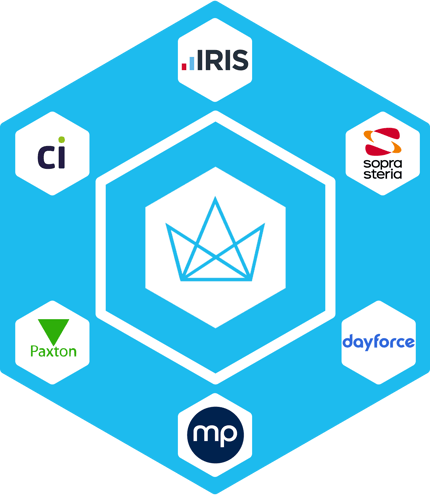
Approved time and attendance data flows straight into your payroll and HR systems, cutting duplication and speeding up processing across departments.
Group 467

Make better decisions with built-in reporting

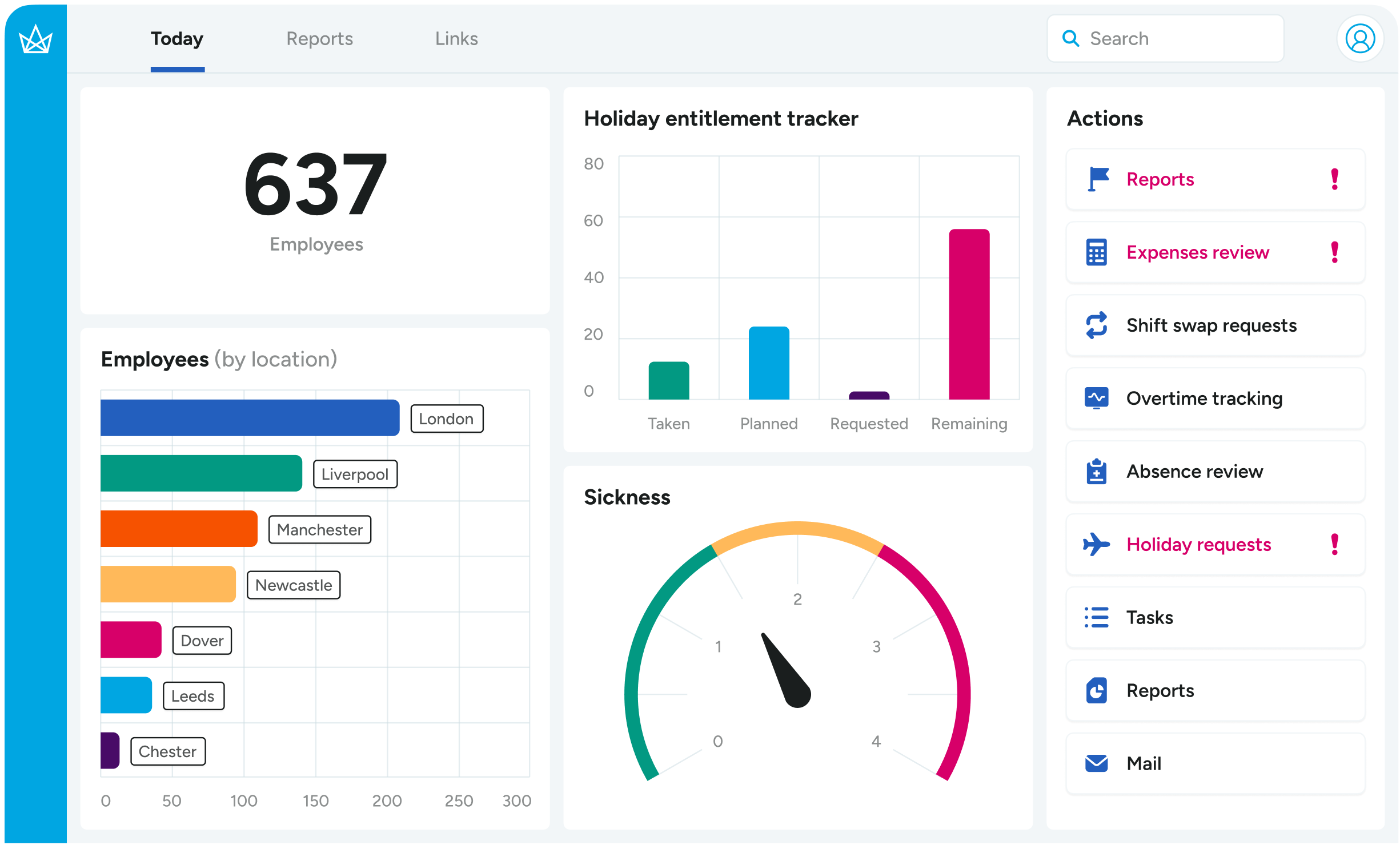
Detailed time and attendance reports give you full oversight of hours worked, absences, compliance risks and cost trends, supporting smarter planning and faster audits.
Group 367-1

Accurate hours, accurate payroll

Most payroll errors start with the hours. A missed clocking, a shift swap agreed by email or an overtime rate keyed in by hand all flow straight through to an employee's pay, and fixing them afterwards costs time and goodwill.

Crown applies your rules to every clocking as it happens. You set them by team, location or role, including overtime, holidays and special pay bands, and the hours calculate automatically. Exceptions such as missed clockings or unapproved overtime are flagged for a manager to resolve before the pay run closes.

Approved hours then pass to your payroll system through Crown's payroll and HR integration, so nobody re-keys data between systems. Every figure keeps a clear record behind it, ready for the day an employee or an auditor asks how it was worked out.

Time and attendance software for your sector

Every sector tracks time differently. Crown is set up around the way your operation runs, rather than asking your teams to fit a generic system.
clock-icon

Manufacturing and engineering

Capture attendance by shift and by job, so labour hours feed job costing and performance reporting as well as payroll.

icon-2

Logistics, distribution and warehousing

Track attendance across sites and shifts in detail, reduce absence and roster around availability and skills.

icon-3

Food and beverage
processing

Record attendance by task or shift and use live availability data to put the right people on the right line.

Crown also supports leisure, transportation, utilities and central and local government. See all the industries we work with.

FAQs

How long does it take to get set up?

Implementation timelines vary, but our team will guide you through every step to ensure a smooth setup.

Can it integrate with our current payroll system?

Yes. Our platform supports payroll integration to reduce duplicate data entry and improve accuracy.

Is the system accessible for mobile or remote workers?

Yes. Staff can clock in and out using mobile devices or desktop, ideal for flexible and remote teams.

What about compliance with Working Time Regulations?

Crown automatically tracks working hours, breaks and rest periods to help you stay compliant at all times.

Can we customise shift rules and pay rates?

Yes. You can configure rules by team, location or role, including overtime, holidays and special pay bands.

What support do we get post-implementation?

You will have access to expert support, training and resources, plus a dedicated team who know your setup.

Is Crown suitable for large, multi-site organisations?

Absolutely. We are built for scale and trusted by some of the UK’s most complex workforces.

How does time and attendance software work?

Employees clock in and out on a terminal, a mobile app or a desktop. The software records each clocking, matches it to the employee's shift and applies the rules for breaks, overtime and pay. Managers review any exceptions, approve the hours and send them to payroll.

Why do businesses need time and attendance software?

Manual timesheets are slow to process and easy to get wrong, and those errors flow straight into pay. Time and attendance software captures hours at source, flags problems early and keeps the records you need to show compliance with the Working Time Regulations.

What is a biometric time and attendance system?

A biometric system identifies each employee by a physical feature, such as a fingerprint or face, when they clock in. It stops one person clocking in for another. Crown supports biometric terminals alongside card, mobile and desktop clocking.

Transform your
time and attendance with Crown

See how in a personalised demo.

Crown brings together everything you need to manage complex workforces efficiently and compliantly. Let us show you how we can transform your operations while keeping your people happy and your data accurate.

  • Explore the platform and see relevant features in action.
  • See how your HR data integrates with Crown.
  • There’s absolutely no commitment, just a chance to get your questions answered.

Highly rated workforce management platform
capterra 1
  • star
  • star
  • star
  • star
  • star
4.3 rated stars

Book a demo

By submitting this form I agree to my details being used in sole connection with the intended enquiry. Please check our privacy policy to see how we protect and manage your submitted data.


top-shape right-shape shape bottom-shape